Step 1. Paste the YouTube Video Link
Copy the YouTube video link you want to get subtitles from, paste it into the search box, and click "Download Subtitles." Our tool will start processing the original subtitle content automatically.

Download subtitles from any YouTube video in SRT, VTT, PDF, or TXT format. 120+ languages supported.
Trusted by 12 million users worldwide.


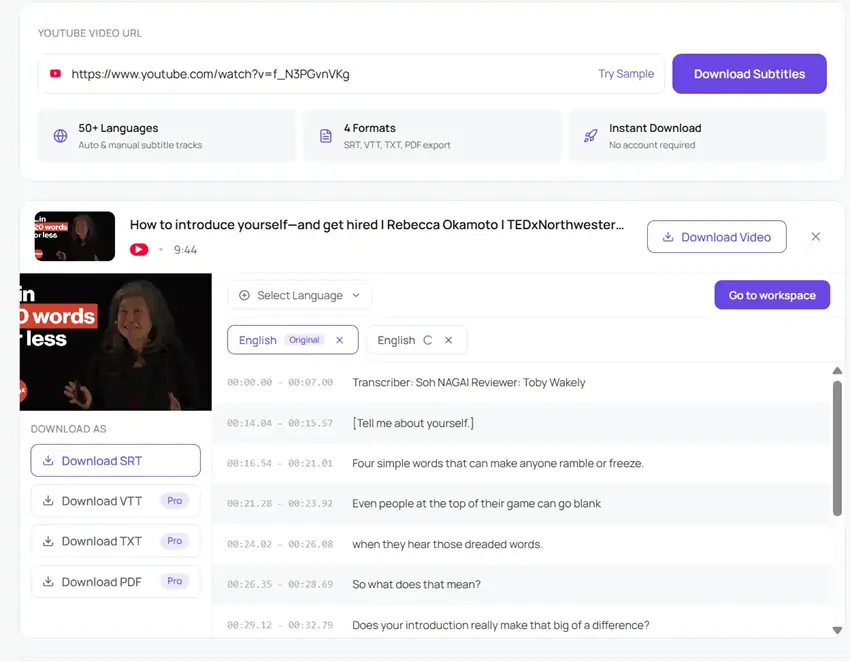
Copy the YouTube video link you want to get subtitles from, paste it into the search box, and click "Download Subtitles." Our tool will start processing the original subtitle content automatically.
Once the subtitles are ready, you can preview the timestamped text directly on the page. You can also translate the subtitles into the language you need.
Finally, choose the subtitle format you want to download, such as SRT, VTT, TXT, or PDF. You can also export subtitles in multiple languages in batches.
Download subtitles instantly in any format or language with our YouTube Subtitle Downloader.
Our YouTube Subtitle Downloader keeps the whole process fast and simple. You do not need to install anything or learn any complicated steps. Just paste the video link, and the tool will automatically download YouTube subtitles and help you translate them into the language you need. You can also batch download subtitles when working with multiple videos or languages, making it much easier to save everything in one place.
Get Started Free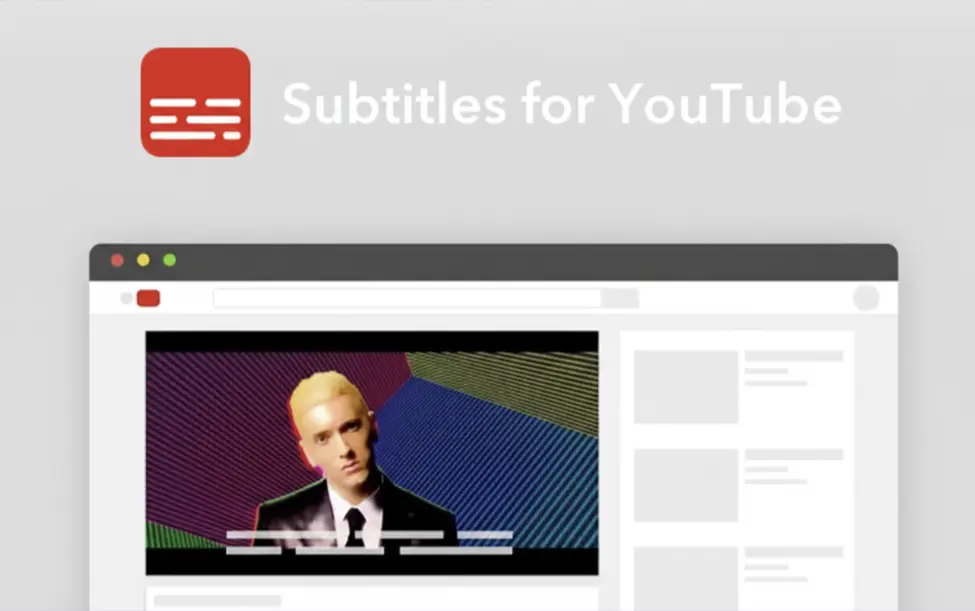
Our YouTube Subtitle Downloader helps you download original subtitles and translate them into 120+ languages, including English, Chinese, German, Japanese, Korean, Spanish and more. It is a practical way to make interviews, tutorials, lectures, webinars, and podcast-style videos easier to follow when the original language is not your own. With the help of our tool, you can read the subtitles in the language you are most comfortable with and understand the content faster.
Get Started Free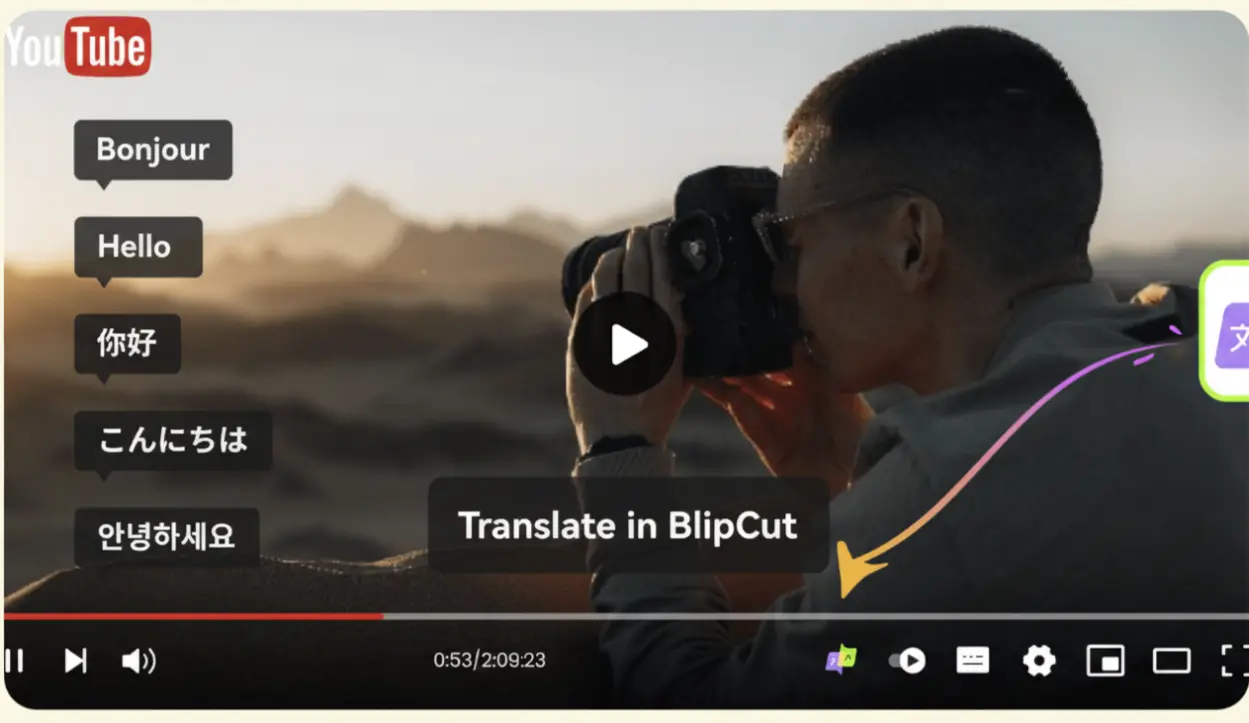
Need your subtitles in a different format? This tool lets you download subtitles as SRT, VTT, TXT, or PDF, depending on how you plan to use them. SRT is a good choice for video editing and subtitle uploads. VTT works best for web-based video players. TXT is ideal when you only need the text for reading, notes, translation, or reuse. Choose the format you need and download it right away.
Get Started Free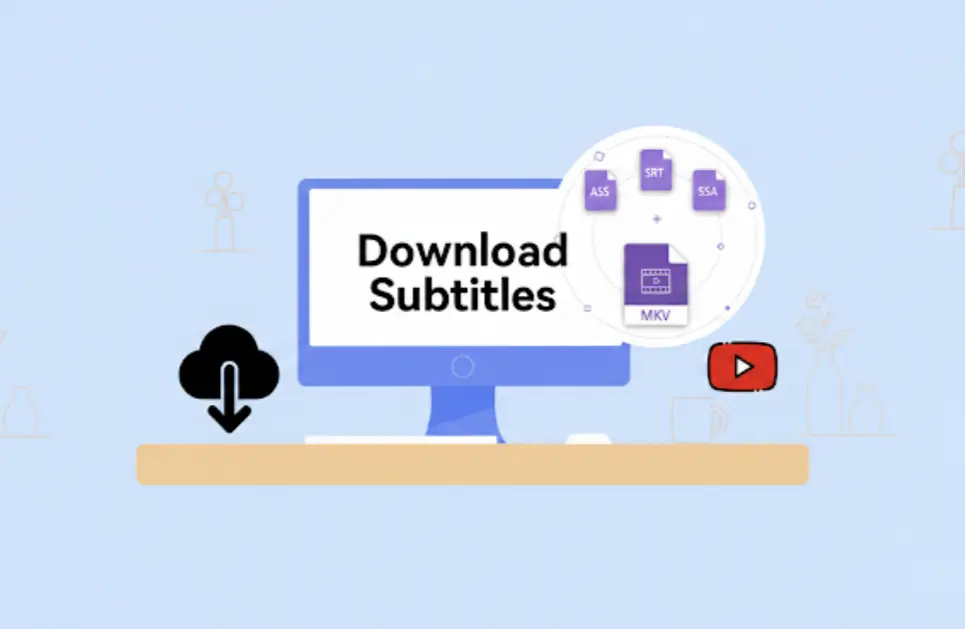
Our YouTube Subtitle Downloader also lets you download the full video along with the subtitle file, so you can keep both in one go. That is especially helpful for creators clipping highlights, students saving tutorials for later, marketers preparing translated content, and anyone who wants the video for offline viewing, editing, or archiving. When the text is only part of what you need, having both files makes it much easier to review, reuse, and work with the content later.
Get Started Free
Get YouTube subtitles for free. Just paste the video link and download the subtitle file whenever you need it.
Each subtitle line keeps its timestamp, so it is easier to match the text to the video and go back to the exact part you want.
Get subtitle text that is closer to what is actually said, which matters when you are reading carefully, checking details, or translating the content.
No software to install first. Just open the page in your browser, paste the link, and use it right away on desktop or mobile.
Rachel Kim
Teacher
I use this YouTube Subtitle Downloader when I turn YouTube lessons into worksheets. Downloading the subtitles gives me text I can clean up, print, and reuse in class instead of relying on captions in the player.
Jason Park
YouTuber
I've tried other subtitle downloaders before, and most of them just made the process longer. This one is straightforward. Paste the link, get the subtitles, and you're done. The batch download option is also super convenient when I'm working with multiple videos.
Sophie Laurent
Language Learner
This tool fits the way I study languages much better than built-in captions do. I can save the subtitles from French videos, translate difficult lines, and come back later without replaying the same part again.
Aisha Khan
Online Educator
What makes this YouTube Subtitle Downloader useful for me is that it turns long videos into something I can actually teach from. I get the text in front of me, spot the key explanations, and structure lessons faster.
Luis Gomez
YouTube Creator
I use this tool when I'm cutting longer videos into shorts. Having the subtitles in front of me makes it easier to find strong lines and build clips around exact phrasing instead of guessing what was said.
Marcus Lee
Content Marketer
A lot of my research starts with YouTube interviews, and this subtitle downloader saves me a lot of time there. I grab the text, scan for the useful parts, and save quotes without rewatching the whole thing.
Yes. You can use our tool to download subtitles from any publicly available YouTube video. If you run into a video that does not work properly, you can contact our support team at support@easyscribe.ai and we will help you check it.
Join thousands of users who use our YouTube Subtitle Downloader to download subtitles faster, keep accurate timestamps, and translate subtitles with ease.