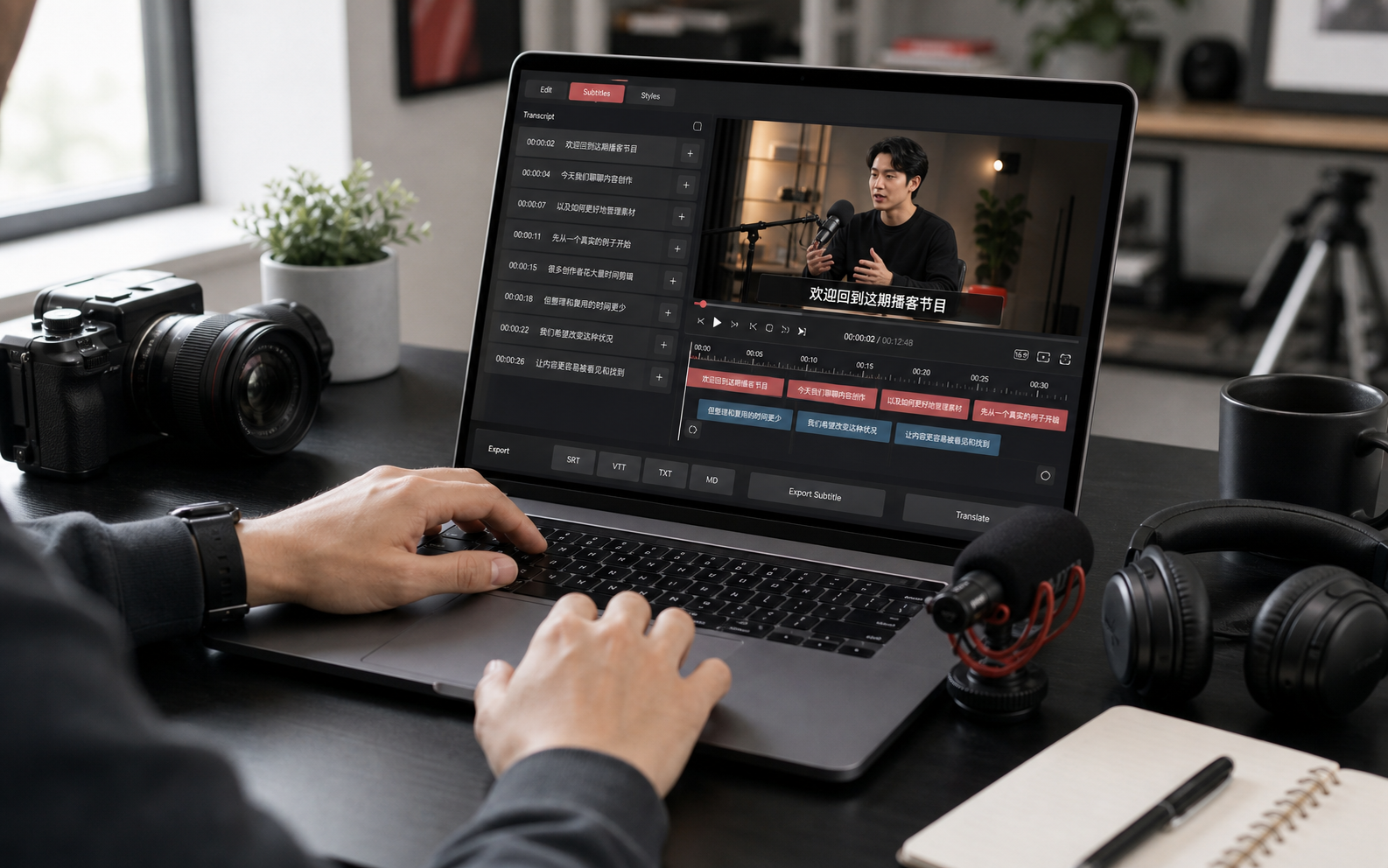
Step 1: Paste the TikTok Video URL
Copy the TikTok video link and paste it into the TikTok to Script box. We support all common TikTok URL formats, so you can start quickly with any public TikTok video.
Paste a TikTok video URL or upload TikTok video directly, this tool will transcribe any TikTok video to text instantly.
Trusted by 12 million users worldwide.


TikTok Transcript Generator helps you automatically turn TikTok videos into clear, searchable transcripts. It extracts text from TikTok videos using AI and gives you a faster way to create captions, subtitles, summaries, or blog posts from your video transcript. With timestamps aligned to the audio and built-in transcript search, you can quickly find specific lines, review the text, edit it, translate it, and download the final TikTok transcript whenever you need it.
Our TikTok Transcript Generator gives you two easy ways to convert TikTok video to text. You can upload a TikTok video from your computer or phone, or paste a TikTok URL directly into the workspace. Once added, the tool automatically processes the video in the background and generates a transcript in minutes.

If you want to translate a TikTok video into Spanish, Japanese, French, German and more, our TikTok Transcript Generator makes the process simple. It can handle both single-language translation and multi-language translation, and it lets you generate translations for more than one language at a time. It is a strong choice for anyone who wants to edit for tone and cultural context or create more localized subtitles for different audiences.

This TikTok Transcript Generator helps you do more than extract text. It helps you break down viral content in a more practical way. With the full transcript, you can study hooks, calls to action, script patterns, and other details that make a video perform well, then turn that into summaries, captions, blog content, ad ideas, or research notes. You can also download the transcript in TXT format for easier reading and reuse.

Need to save a TikTok video for transcription, editing, or personal use? EasyScribe's TikTok Transcript Generator also gives you a quick way to download videos without a watermark. You can choose the output quality and format you want, such as MP4, and save TikTok videos in one click. The downloaded video keeps its original quality and is free to download without a watermark.

Follow these three simple steps to create your TikTok transcript and check the result before exporting.

Copy the TikTok video link and paste it into the TikTok to Script box. We support all common TikTok URL formats, so you can start quickly with any public TikTok video.

Our AI will automatically process the video, extract the audio, and turn the spoken content into accurate transcript text with timestamps.

Once the transcript is ready, you can edit the text, copy it in one click, or export it as a TXT or DOCX file for research, analysis, subtitles, and more.
Turn TikTok videos into captions, summaries, blog drafts, and other written content without going back to the same clip over and over again.
Look more closely at viral TikToks, pull out strong hooks and phrasing, and reuse the best ideas across posts, campaigns, and new content.
Handle more client content with less manual work by keeping transcripts organized, searchable, and easy to revisit when needed.
Use TikTok transcripts as a starting point for articles, newsletters, subtitles, YouTube descriptions, and other edited copy.
Vanessa Morales
Content Creator
Exactly what I was looking for. I pasted in the TikTok link, got the transcript back fast, and didn't have to mess with extra steps first. EasyScribe's TikTok transcript generator just made the whole thing feel EASY!
Derek L.
Independent Designer
I originally came for the no-watermark TikTok download and ended up staying for the transcript tool. This tool gave me a clean video, clean text, and way less friction than the other stuff I tried before. Big fan.
Camila Santos
Growth Marketing Manager
We've been repackaging TikTok content for different audiences, so the ability to translate into multiple languages at the same time was a huge deal for us. That one feature saved HOURS right away. EasyScribe's TikTok to text converter has been such a good find.
Trevor James
Video Producer
The timestamp editing is so helpful, and the speaker labels made the transcript much easier to work with. I could jump to the exact line, fix the subtitle, and keep everything clear without digging through a wall of text.
Priya Nair
Writer & Content Strategist
I was honestly surprised by how accurate the speech recognition was, especially on a fast TikTok with multiple speakers. The transcript came back quickly, the speaker separation was usable, and I did not have to spend forever cleaning it up.
Marcus Reed
Freelance Consultant
What stood out right away was how clean the whole experience felt. No ad clutter, no weird interruptions, and it worked smoothly on both my phone and desktop. I could check the transcript on mobile and finish editing later on my laptop, which was perfect.
Frequently Asked Questions
No. A transcript is the full text version of the spoken content, while captions are the on-screen subtitles shown during playback. You can use a generated transcript as the starting point for creating captions.
Use our free TikTok to text converter to extract full scripts and turn trending videos into text you can study and reuse.