AI Interview Transcription

Make Every Interview Easier to Quote, Check, and Use

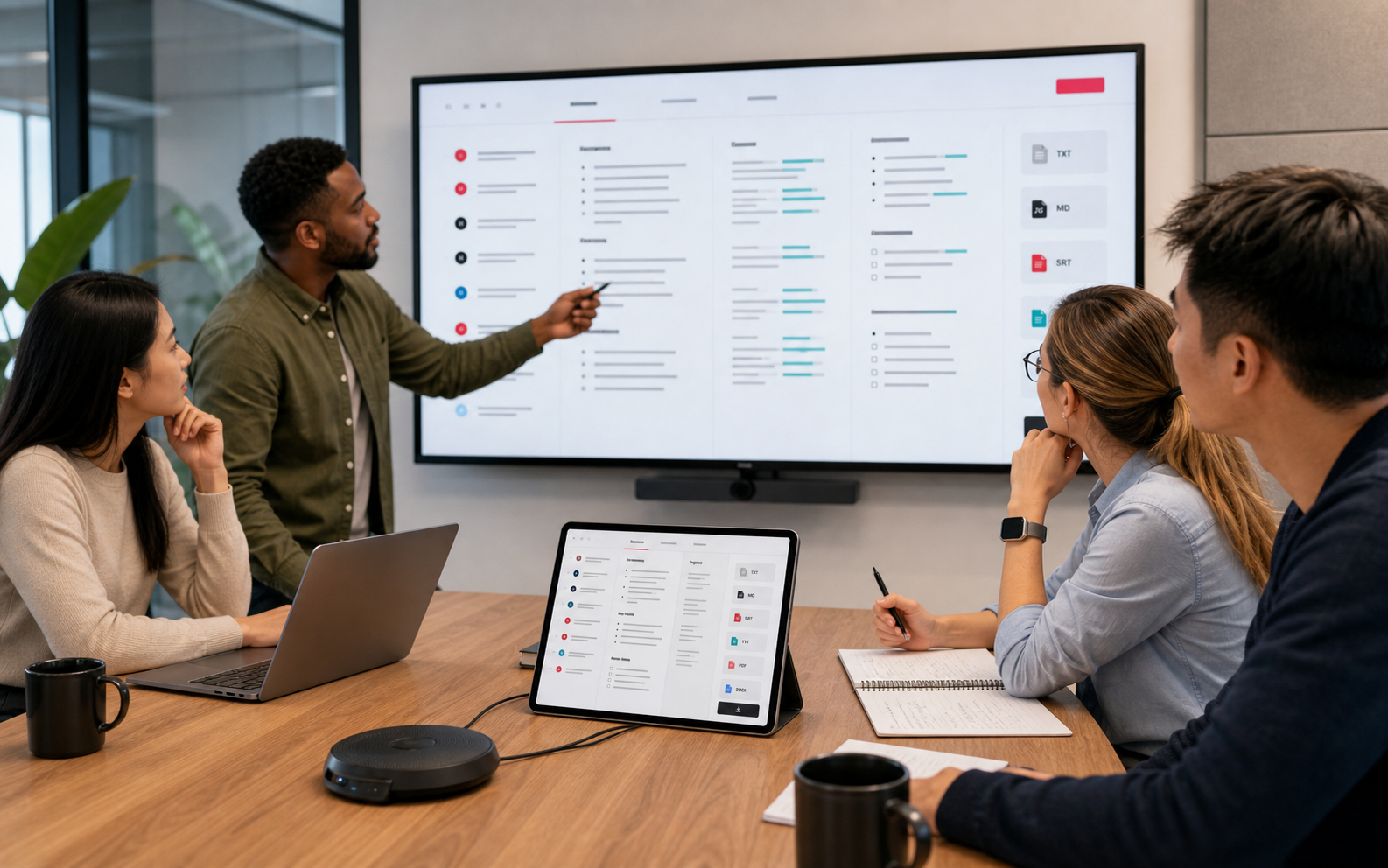
Upload an interview recording and get more than a block of text. EasyScribe gives you a searchable, editable transcript you can use to verify quotes, create thematic summaries, prepare notes, and reuse the interview in the format your work requires.

Transcribe interview to text with AI in 120+ languages
Check speaker labels, timestamps, and exact quotes
Ask AI, edit, share, and export in one workspace

3 free transcriptions daily. No credit card required.

EasyScribe AI Interview Transcription
Siemens
Medium
Okta
Skechers
Autodesk
Sony
Cisco
ServiceTitan
GitHub
VMware
Alorica

Want to Transcribe Interviews in a More Efficient Way?

Without EasyScribe AI

  • Listen back when you need a participant's answer.
  • Guess the timestamp from memory or messy notes.
  • Recheck speaker turns, names, and product terms by hand.
  • Turn the recording into notes only after extra cleanup.

With EasyScribe AI

  • Search by keyword or ask AI about the transcript.
  • Use timestamps to jump back to the right moment.
  • Review speakers, names, and terms in the editor.
  • Use AI to turn the transcript into summaries, notes, and exports.

How to Transcribe an Interview with EasyScribe

How to Transcribe An Interview

Step 1: Upload Your Interview Audio or Video

Upload your interview recording to EasyScribe. Each file can be up to 2GB, and supported import formats include M4A, MKV, MP4, OGG, and more. If you have several interviews to process, use batch transcription to handle multiple files more efficiently.

Step 2: Transcribe the Interview with AI

Click Transcribe Now, and EasyScribe will use AI to turn your interview audio or video into a high-quality transcript. If the first result is not the version you want, you can generate the transcript again and choose the output that works best for your project.

Step 3: Edit, Share, and Export the Transcript

Once the transcription is complete, you get a clear, editable interview transcript in your browser. Use it to prepare articles, social posts, subtitles, research notes, or internal records, then export or share the transcript when it is ready.

Transcribe Now for Free

Why Use EasyScribe for Interview Transcription

Save Hours on Interview Transcription

Manual interview transcription can mean hours of replaying, pausing, and typing. EasyScribe helps you turn audio or video interviews into structured transcript text in minutes, with up to 99.5% accuracy in clear audio conditions.

Identify Multiple Speakers

When an interview has several participants, speaker turns matter. EasyScribe helps identify and label different speakers, making it easier to review answers, compare responses, and follow the conversation.

AI-Powered Accuracy for Real Interviews

Real interviews include names, product terms, guest references, accents, and unclear phrases. EasyScribe gives you a clear, editable transcript you can review and correct before you quote, share, or publish it.

Edit the Transcript in Your Browser

Keep the transcript work in one place. Preview the interview text, fix names, speaker turns, timestamps, and key terms, then continue editing without moving everything into another document or tool.

Export Transcripts in the Format You Need

When the transcript is ready, export it as TXT, SRT, VTT, DOCX, or PDF. You can also turn the interview into summaries, highlights, blog drafts, flowcharts, mind maps, or social posts for the next step.

Keep Interview Data Secure

Some interviews include sensitive customer, candidate, or research details. EasyScribe helps protect your interview files and transcripts with encryption and secure storage while you transcribe, edit, and export.

What You Can Do with an Interview Transcript

News & Media

Turn Source Interviews into Checkable Quotes

Before you publish a quote, you need to know exactly what was said. EasyScribe turns source interviews into searchable transcripts with names, quotes, and timestamps, so reporters can check the original wording, write with confidence, and export the record for fact-checking or publishing.

News & Media

Academic Research

Prepare Interviews for Qualitative Analysis

Each research interview can include participant wording, recurring themes, and passages you may need to compare later. EasyScribe turns every session into an editable transcript, then AI Chat helps you find key quotes, theme patterns, and notes to export for coding or analysis.

Academic Research

Customer Research

Turn Customer Interviews into Product Feedback

Customer interviews are full of objections, feature requests, product mentions, and buying language, but those signals are easy to lose in recordings. With EasyScribe, you can easily upload each interview, ask AI about patterns, and use searchable transcripts to compare responses and prepare team-ready notes.

Customer Research

Hiring Review

Make Candidate Interviews Easier to Compare

Hiring decisions get harder when candidate answers are scattered across notes and long recordings. EasyScribe helps teams turn interviews into speaker-labeled transcripts they can review and share with decision-makers. Use timestamps to return to important moments before a follow-up conversation.

Hiring Review

What Our Users Say

MR

Maya Richardson

Research Assistant

I used this for a class interview project. The transcript was not something I could submit as-is, but it saved me from starting with a blank page and a two-hour audio file.
DK

Daniel Keller

Reporter

I mostly use it to find the part of the interview I half-remember. Search gets me close, then I listen back before quoting. That alone makes it worth keeping around.
PS

Priya Shah

Customer Researcher

I asked AI what people kept complaining about across a few calls. It was not the final answer, but it gave me a much better starting point before writing up the research notes.
ML

Marcus Lee

Podcast Producer

For guest interviews, I usually need five good moments, not the whole thing. The summary helps me skim first, and the transcript makes it easier to find what is worth turning into clips.
ET

Emily Turner

Hiring Manager

I did not think I cared about speaker labels until we had to review a three-person interview. It was much easier to follow who answered what without asking everyone to rewatch it.
NB

Noah Bennett

PhD Student

I still clean up the transcript, especially names and terms, but at least I am editing text instead of typing from scratch. For interviews, that changes the whole process.

FAQ

Upload your interview recording and click Transcribe Now. When the transcript is ready, you can search it, check the wording, clean up the text, and export it for research, writing, hiring, or content work.

Create Interview Transcripts You Can Use Right Away.

Upload your interview and get a transcript ready for quotes, notes, summaries, and the next step.

Transcribe Now for Free

You Might Also Like