Step 1: Upload Your Podcast or Paste a Link
Upload a podcast audio or video file from your device, or paste a public Spotify or Apple Podcasts episode link. Choose the input method that fits your podcast workflow.

Upload your podcast audio or paste a public Spotify or Apple Podcasts episode link. EasyScribe helps you generate high-quality podcast transcripts from interviews, solo episodes, video podcasts, and more.
3 free transcriptions daily. No credit card required.











Check out these simple-to-use tools to get accurate automatic transcripts and edit them easily.
Turn Spotify podcast episodes into searchable text, summaries, and reusable notes without switching tools.
Open toolPaste an Apple Podcasts episode link and convert spoken content into a clean transcript you can read, search, and share.
Open toolTranscribe video podcasts, interviews, tutorials, and long-form YouTube content into accurate text in minutes.
Open toolUpload podcast audio, voice recordings, or saved media files and convert them into editable text with AI.
Open tool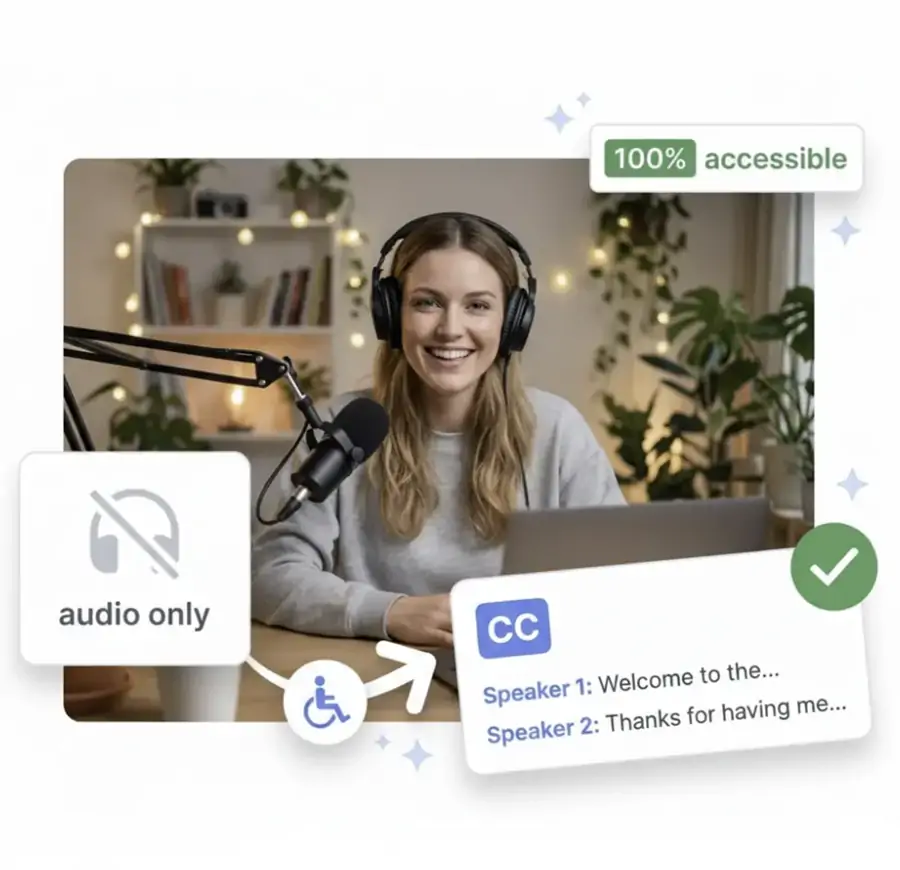
Upload a podcast audio or video file from your device, or paste a public Spotify or Apple Podcasts episode link. Choose the input method that fits your podcast workflow.
Click Transcribe Now and EasyScribe will turn your podcast into text in minutes. You can preview the transcript in your workspace and use the summary to get a quick recap before editing.
Review the transcript, make edits where needed, and save the text for publishing, research, or later review. You can copy the transcript or export it as a TXT file.
Upload a podcast file or paste a Spotify or Apple Podcasts link. EasyScribe uses AI to create a transcript, summary, and editable text in one workspace, with batch upload for multiple episodes.
Edit your podcast transcript before it becomes public content. Fix names, clean up repeated words, save the best quotes, shape show notes, then copy or export the final text without leaving EasyScribe.
EasyScribe adds speaker labels and timestamps to podcast transcripts. Check guest quotes, follow topic shifts, and jump back to the exact audio moment without replaying the episode.
Podcast episodes often include names, tools, books, legal phrases, or technical terms. EasyScribe turns them into editable text you can review, correct, quote, publish, or study.
Transcribe and translate podcasts in 120+ languages. Create readable episode text, prepare multilingual notes, and help more listeners scan the key ideas before pressing play.
Download supported Spotify and Apple Podcasts episodes as audio files and keep the transcript alongside them, so you can save the episode and listen offline anytime.
SEO Growth
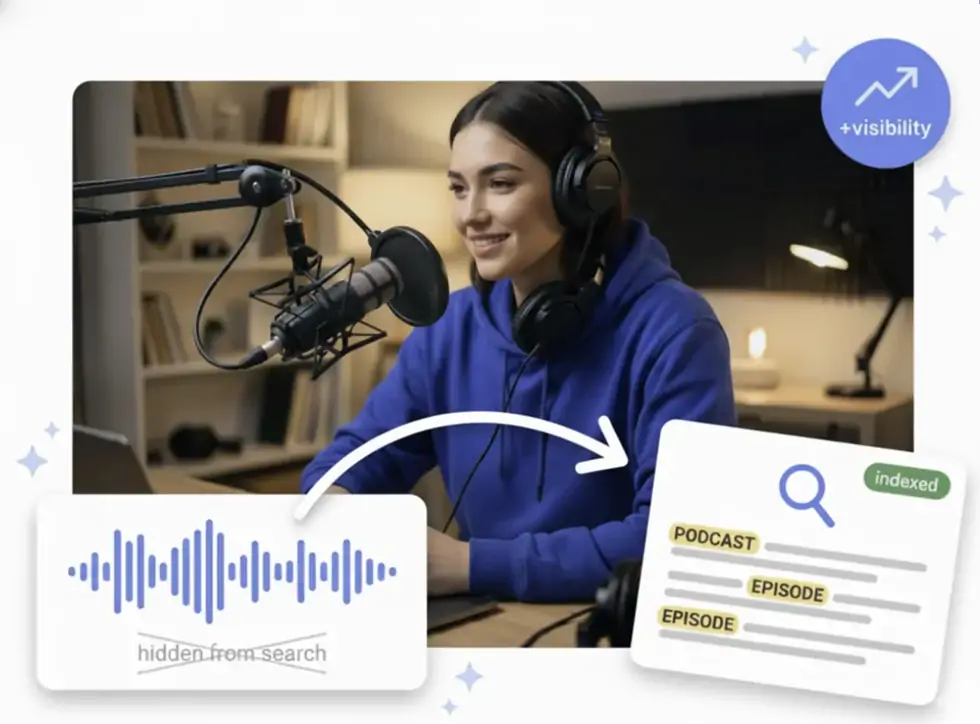
Your episode may already answer things people search on Google. It might mention guest names, tools, products, common questions, quotes, examples, tutorials, FAQs, timestamps, and long-tail phrases. But if all of that stays only in the audio, Google has less to read. EasyScribe turns each episode into a transcript you can add to your episode page, show notes, or blog, so your podcast has more chances to show up in search.
Listener Experience
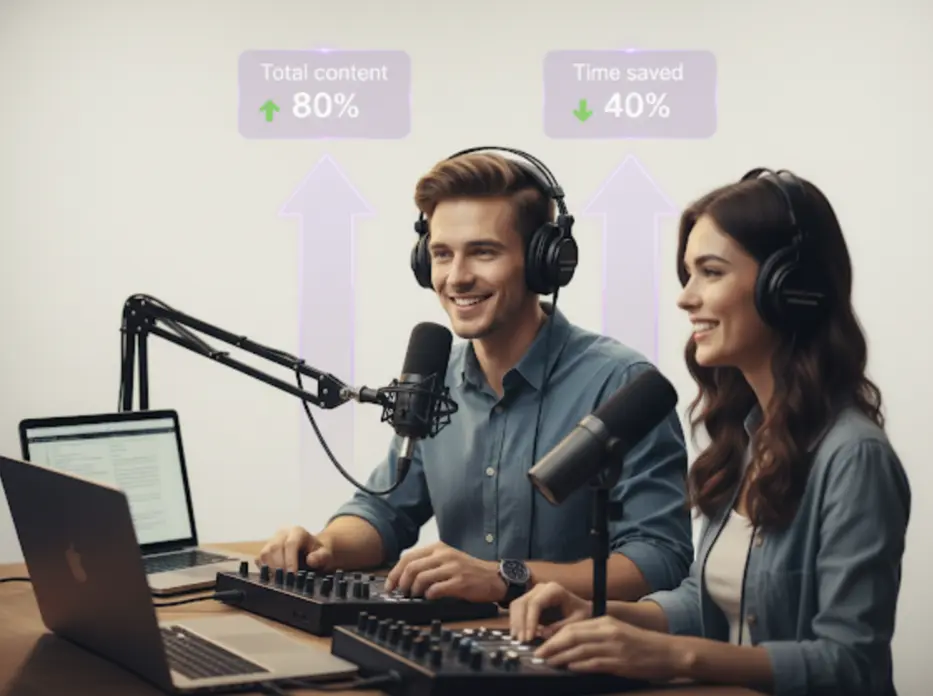
You do not always listen to a podcast just to pass time. Sometimes you are trying to catch a useful idea, remember a guest's point, save a book or tool name, or go back to a part that made you think. A transcript gives you a way to read, search, and revisit the episode without scrubbing through the audio again. With summaries and timestamps, the content becomes easier to understand, keep, and come back to later.

Content Repurposing
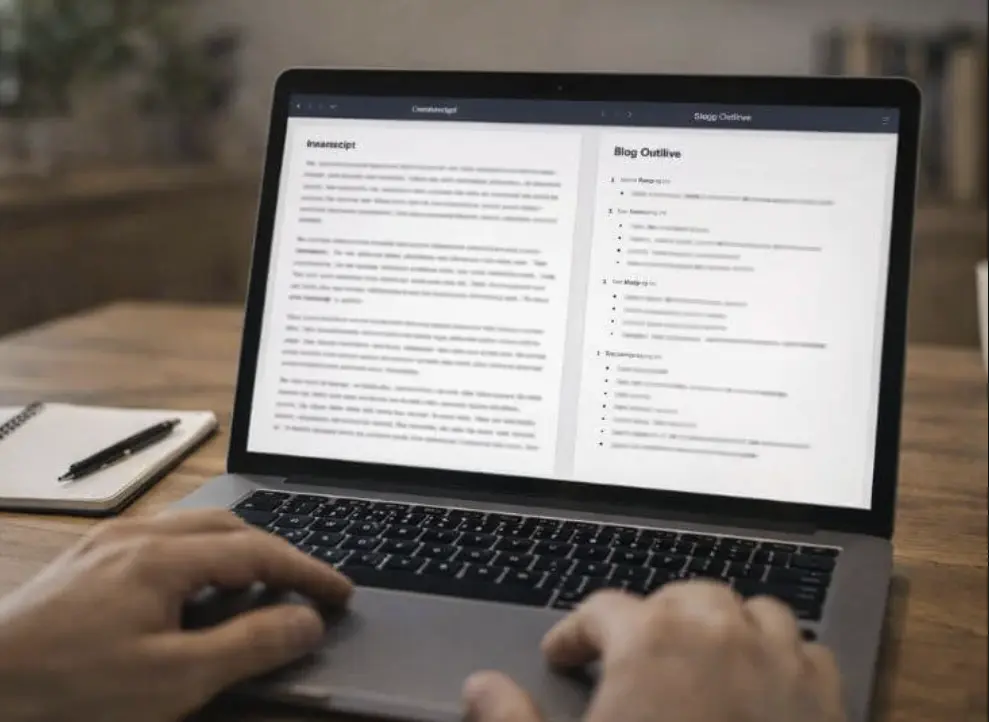
Once an episode is recorded, you already have quotes, stories, tips, guest answers, and useful talking points inside it. EasyScribe turns the audio into clean transcript text, so you can reuse the good parts for show notes, blog posts, newsletters, social posts, or short-form scripts. You can copy a strong line, summarize one section, turn an answer into a post, or save ideas for your next content batch.
Podcast Editing
If you edit podcasts, a raw auto transcript is usually not enough. EasyScribe lets you fix names, remove repeated words, check speaker labels and timestamps, save strong quotes, and export a clean version for clients, show notes, or episode pages. No need to clean a messy TXT or SRT file in another tool. Everything stays in one workspace.

Research & Quotes
Expert interviews often include details worth saving: guest opinions, book titles, product names, technical terms, examples, and sources. EasyScribe's podcast transcription tool turns the episode into searchable text, so journalists, writers, researchers, and curious listeners can check exact wording, save useful quotes, search key terms, and use timestamps to return to the original audio when they need context.

Emily Carter
Podcast Host
I used to delay show notes because I knew I had to replay the whole episode. With EasyScribe, I get the transcript first, then pick the best parts, clean up the notes, and publish much faster.
Marcus Lee
Podcast Producer
The timestamps are the part I didn't know I needed. When a client asks where a quote came from, I can jump back to the exact moment instead of scrubbing through a 50-minute episode again.
Nina Brooks
Solo Creator
I record interviews, but turning them into blog posts always felt like another full job. EasyScribe gives me the transcript, summary, and quotable lines in one place, so I can actually reuse the episode.
Daniel Ross
Content Marketer
Our podcast has a lot of useful ideas hidden in the audio. Adding transcripts to the episode pages helped us turn those conversations into searchable content instead of letting them disappear after publishing.
Jason Miller
Startup Founder
I'm not a full-time podcaster, so I need simple tools. I upload the episode, get the text, grab the best quotes, and turn parts of the conversation into LinkedIn posts without staring at a blank page.
Rachel Evans
Journalist
For interview episodes, I care about exact wording. EasyScribe makes it easy to search for a phrase, check the quote, and return to the original audio with timestamps before I use it in my notes.
Yes. You can start for free with EasyScribe. Each day, you can transcribe 3 podcast files for free, as long as each one is under 10 minutes long.
Start with audio. Leave with text you can use.
Transcribe Now for Free