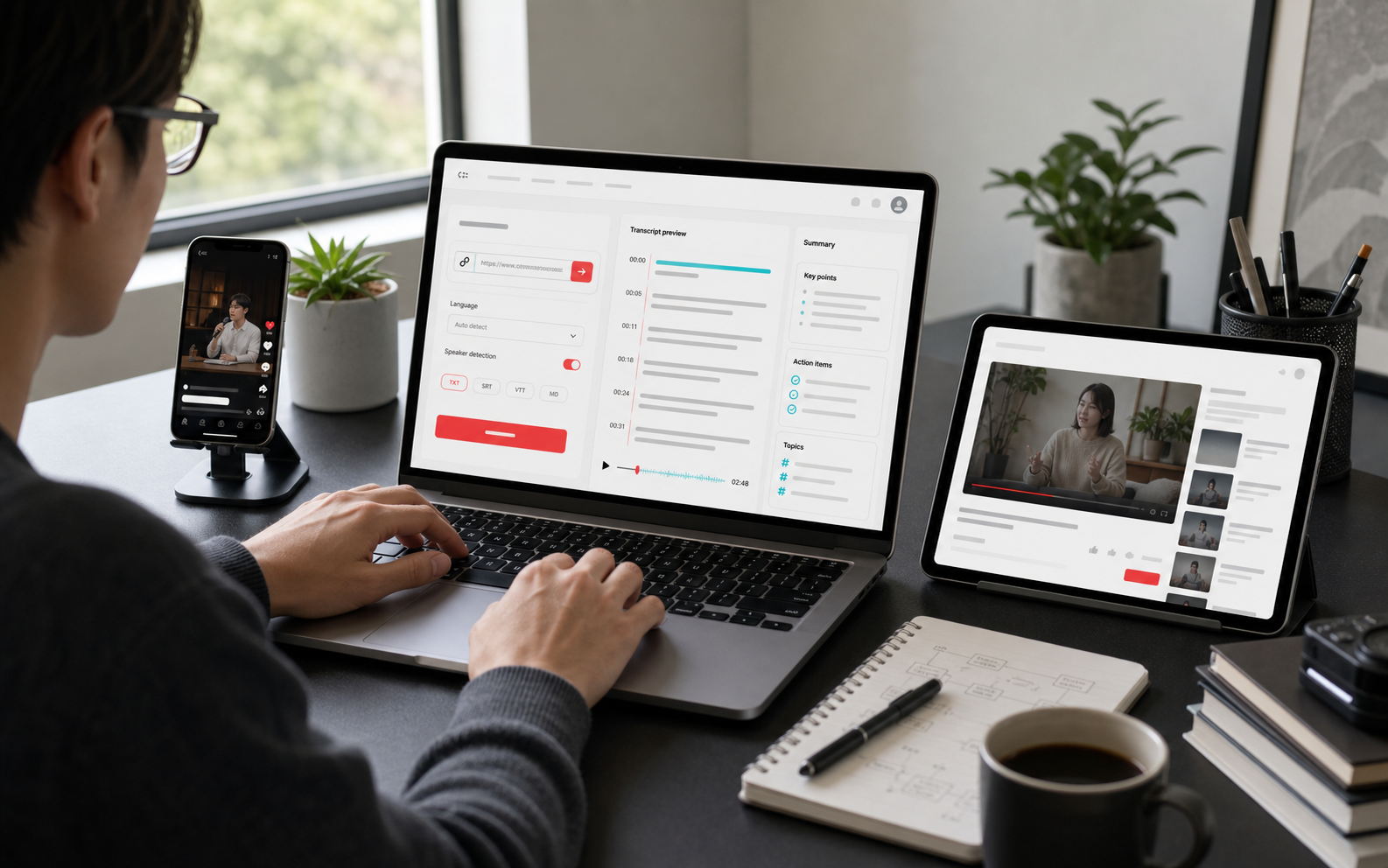
Up to 99.5% Accuracy
Our AI transcription engine is built to handle complex audio, multi-speaker conversations, and fast speech with high accuracy.
Paste a video URL to turn a YouTube video into text and generate a complete transcript in seconds.
Trusted by 12 million users worldwide.


EasyScribe YouTube Transcript Generator is a free online tool that helps you transcribe YouTube videos to text by pasting a video link. You can get a full transcript, review what was said faster, copy the text you need, and use AI to generate summaries, notes, and key takeaways before exporting the final transcript in your preferred format.
You don't have to watch an entire YouTube video just to catch one specific moment that matters. Our YouTube Transcript Generator turns 10-minute, 20-minute, or even longer YouTube videos into searchable text, so you can quickly check what was said, spot the key section, find a keyword or quote, and go straight to what you need without watching the whole video.
Get Started Free
Finding a transcript is only part of the job. You also need text you can work with. Our tool helps you generate a full transcript from a YouTube link and gives you the flexibility to edit the content in one place, keep or remove timestamps, and export a cleaner draft without all the manual copying, pausing, and fixing.
Get Started Free
Whether you need a quick summary of a 10-minute explainer or a more structured breakdown of a 2-hour lecture, our tool gives you a faster way to get key points and highlights without going through the whole transcript line by line. It lets you run a summary in the format that fits what you need, whether that is a general summary, study notes, highlights, or action items. And if the AI-generated summary is not enough, you can ask AI for any detail you need.
Get Started Free
A YouTube transcript can be useful in very different ways depending on what you do. Creators can turn videos into blog drafts, marketers can review competitor content faster, students can study from lecture transcripts, and teams can save time on research, notes, and documentation. Our tool helps make these tasks easier with accurate transcripts, fast results, flexible editing, and bulk processing for larger workloads.
Get Started Free
Explore more features that make EasyScribe a faster and more flexible way to turn YouTube videos into text.
Our AI transcription engine is built to handle complex audio, multi-speaker conversations, and fast speech with high accuracy.
It helps identify different speakers accurately and generate clearer transcripts, even when the video has no subtitles.
Process multiple videos more efficiently with batch transcription, so you do not have to repeat the same steps one file at a time.
It supports 120+ languages and helps you transcribe YouTube videos more accurately across different accents, regions, and content types.
Start with the free plan to try transcript generation, editing, and export features before upgrading for more usage and advanced tools.
We follow a privacy first policy to help keep your uploaded videos, transcripts, and content secure during processing.
Paste a YouTube URL, generate a transcript with AI, then copy, edit, or download the text in just a few steps.
Get Started FreeEric May
Operations Coordinator
I needed a transcript for a few YouTube videos I created around a presentation on technical shelter management issues, and this tool did a solid job turning them into fairly accurate transcripts.
Emily Carter
Project Assistant
I used this YouTube transcript generator to get a high-quality transcript for a video in English. It was done quickly, and I could paste the transcript straight into my document. It was extremely convenient and saved me a lot of time.
Daniel Foster
Content Manager
This tool is incredibly accurate and fast. It supports multiple languages, and the interface is very user-friendly. It has significantly improved the way I handle transcripts and subtitles. Highly recommended.
Sophia Bennett
Webinar Producer
It's been super helpful for turning long YouTube videos into clean, readable text. I use it mostly for summarizing webinars and recorded sessions, and it saves me a ton of time. The AI features make it feel like I've got a personal assistant handling my notes.
Michael Torres
Documentary Editor
Quick, seamless service. This YouTube transcript tool is fantastic, and the editing process was so much simpler because the video plays along with where you're correcting the transcript. No more starting, stopping, and replaying every few seconds. It saved me hours of work.
Isabella Rossi
Language Consultant
The platform works great and is very accurate for generating YouTube transcripts. I also really appreciated the customer support. My questions were resolved right away. Thank you so much!
Not always. YouTube only shows transcripts when a video has captions, either uploaded by the creator or auto-generated. Some videos may not have transcripts because captions are unavailable or the audio is too unclear. With our tool, you can still generate a transcript even if the video has no subtitles, as long as it contains clear speech. You also get a clean, editable, and downloadable transcript that is easier to reuse.
Generate a clean YouTube transcript from clear spoken audio in seconds, even when subtitles are not available.