Easy & Free
This Video to Text converter offers you 3 free 10-minute transcriptions every day. It comes with a simple UI that helps you convert video to text for free without complicated setup.
An AI-powered tool to automatically generate transcripts from YouTube videos, Zoom recordings, and more right from your browser.
Trusted by 12 million users worldwide.


A top-rated online Video to Text converter that helps you get accurate and linguistically excellent transcripts at fast speed.
Video to Text converter makes video transcription easier from the start. It supports multiple file formats including MOV, MP4, AVI, MKV, etc. and automatically generates transcripts with sentence-level timestamps and speaker labels. It is perfect for those who need ready-to-use scripts from video without replaying, pausing, and typing everything by hand.

Video to Text converter is built to handle batch transcription for large video files, including course recordings, webinar videos, and interview footage. It supports files up to 2GB each and allows you to transcribe multiple videos at once with reliable results. While many AI transcription tools struggle with larger uploads, our tool keeps bulk transcription smooth, accurate, and time-saving.

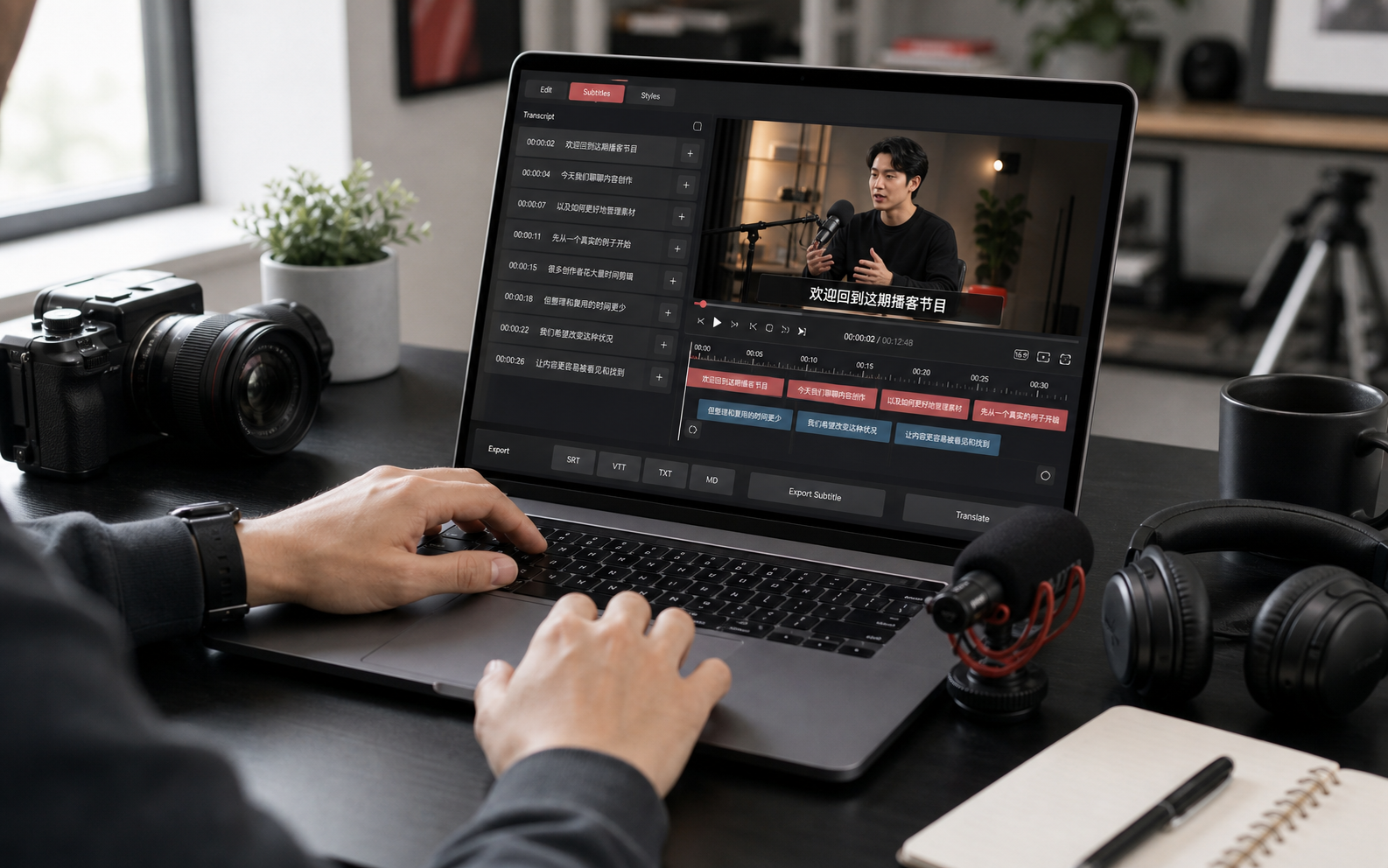
For podcasts, meetings, interviews, and other video recordings, a transcript is only the beginning. Our Video to Text converter gives you a fast, usable first draft. Then you can edit the text, re-transcribe the file if needed, choose full-transcript or subtitle-ready output, and export in the format you need.

Need meeting notes, lecture highlights, or interview transcripts from video? EasyScribe's Video to Text converter combines AI speech-to-text models with summary tools to help students, teams, researchers, and creators turn recordings into accurate transcripts, summaries, and structured notes they can use right away. It's perfect for almost any situation.

It keeps video transcription simple from the beginning: upload multiple files at once, get instant transcripts automatically, manage and edit all your transcriptions in one place. You can easily create transcripts for blog posts, social media, video scripts, and more.
This Video to Text converter offers you 3 free 10-minute transcriptions every day. It comes with a simple UI that helps you convert video to text for free without complicated setup.
If you want to turn video into highly accurate transcripts, Video to Text converter is worth trying. It supports 99.5% transcription accuracy, so you can spend less time fixing errors.
Your privacy matters to us. Our tool protects your recordings with encrypted technology from the moment you add a file. Your transcripts stay private throughout the entire process.
Converting video to text takes just a few steps. Upload your file, generate the transcript, and review the text in one place.

You can upload one or multiple videos from your device. Our AI Video to Text converter supports various file formats including MP3, WAV, MP4, MOV, etc.

Click 'Start' and this tool will automatically transcribe text from your video with high accuracy. You will get clear and readable text in under a minute.

You can review and edit your video transcripts directly in the workspace. It lets you correct words based on timestamps and you can export your transcript as TXT, DOCX, and more.
Turn any video file into editable text with our AI-powered video transcription tool. Supports up to 120+ languages, timestamps, subtitles, and exports. Free to get started!
Get Started FreeShannon Patel
Journalist
I use this Video to Text converter mainly for interview transcription, and it has made my work so much easier. It still does a great job even when the audio is noisy or someone is not speaking very clearly. It saves me a lot of time when I need to pull quotes from long interviews. I love it.
Nicola
Researcher
This Video to Text converter is fast, accurate, and incredibly helpful for my research work. I use it for recorded interviews and lecture-style videos, and it helps me review key points much faster. The editor is also very easy to use, so fixing names or small mistakes takes almost no time. It works really well.
Lucas Mills
Reporter
EasyScribe Video to Text converter works really well for me. It helps me review long recordings much faster, and the transcripts are usually accurate even when the audio is not perfect. It handles both English and French content smoothly. I'm very happy with it.
Will Miklos
Podcast Producer
This AI Video to Text Converter is now my go-to tool for transcribing podcasts. It's very easy to use: just upload the file, wait a moment, and get accurate text that's ready to review and publish. It has made turning recorded episodes into publishable text much less of a hassle.
Alex Parker
Content Editor
It works surprisingly well in Spanish. I uploaded a poor-quality file, and the transcription still came out very accurate. It performed better for me than many other free video to text tools, and editing the final text was quick and easy. I'm impressed.
Emma Collins
Course Creator
This Video to Text converter has been incredibly helpful for turning my lesson recordings into clean draft transcripts. I often reuse them for lesson notes, subtitles, and downloadable study materials, so having the text ready this quickly makes a big difference. Even when I'm working with long webinar sessions, the output is clear enough that polishing it for students takes very little effort.
Yes. Our AI Video to Text converter offers a free plan to everyone, and no credit card is required. It lets you process three 10-minute transcripts every day for free with excellent quality.
Convert video files into clear, editable transcripts with speed and accuracy.