

If you have ever watched a video with text at the bottom of the screen, you have probably called it subtitles. But on platforms like YouTube and Netflix, you may have also seen another option: CC, short for closed captions.
Although subtitles and closed captions may look similar, they are not always the same in English. In many languages, both terms are translated simply as "subtitles," which can make the difference confusing.
So, what is the difference between subtitles and closed captions? This article explains where subtitles came from, what CC actually means, and why captions for deaf and hard-of-hearing viewers include more than just spoken dialogue.
Related Article: 9 Best Free Transcription Software for 2026
1. From Silent Films to Subtitles
If you have ever watched a silent film, you may have noticed that the movie cuts to text cards between scenes or before important dialogue.
These text or illustrated cards were called title cards. They were written or drawn separately, placed into the film according to the script, and used to explain the plot or show dialogue. At the time, this kind of text was often connected with the idea of subtitles. Today, we usually call these cards intertitles or insert titles.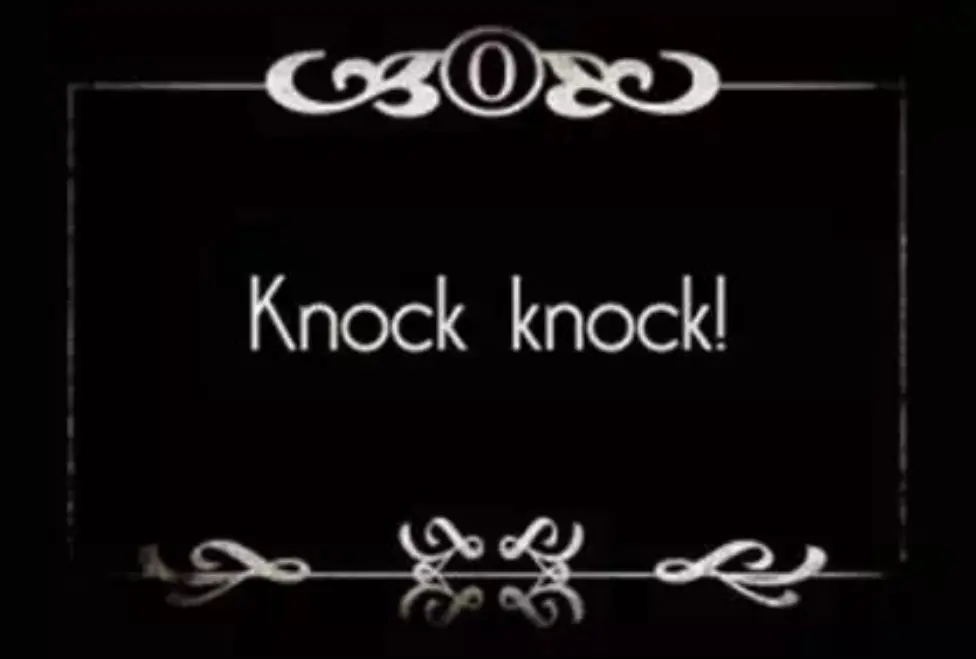
There was also an early kind of localization in the silent film era. For example, if an American film was going to be shown in France, English text in the film might need to be replaced with French. If a character wrote a letter in English and the camera showed that letter, the production might need to create a French version of the letter and shoot that insert again.
In a way, that was an early version of video localization.
Later, when sound films became common, subtitles gradually evolved into the form we know today: text displayed on screen to help viewers understand spoken content.
Today, subtitles can be:
- A text version of the original spoken language
- A translation into another language
- Extra explanatory text that helps the viewer understand the content
The core job of regular subtitles is simple: they help the viewer understand what was said.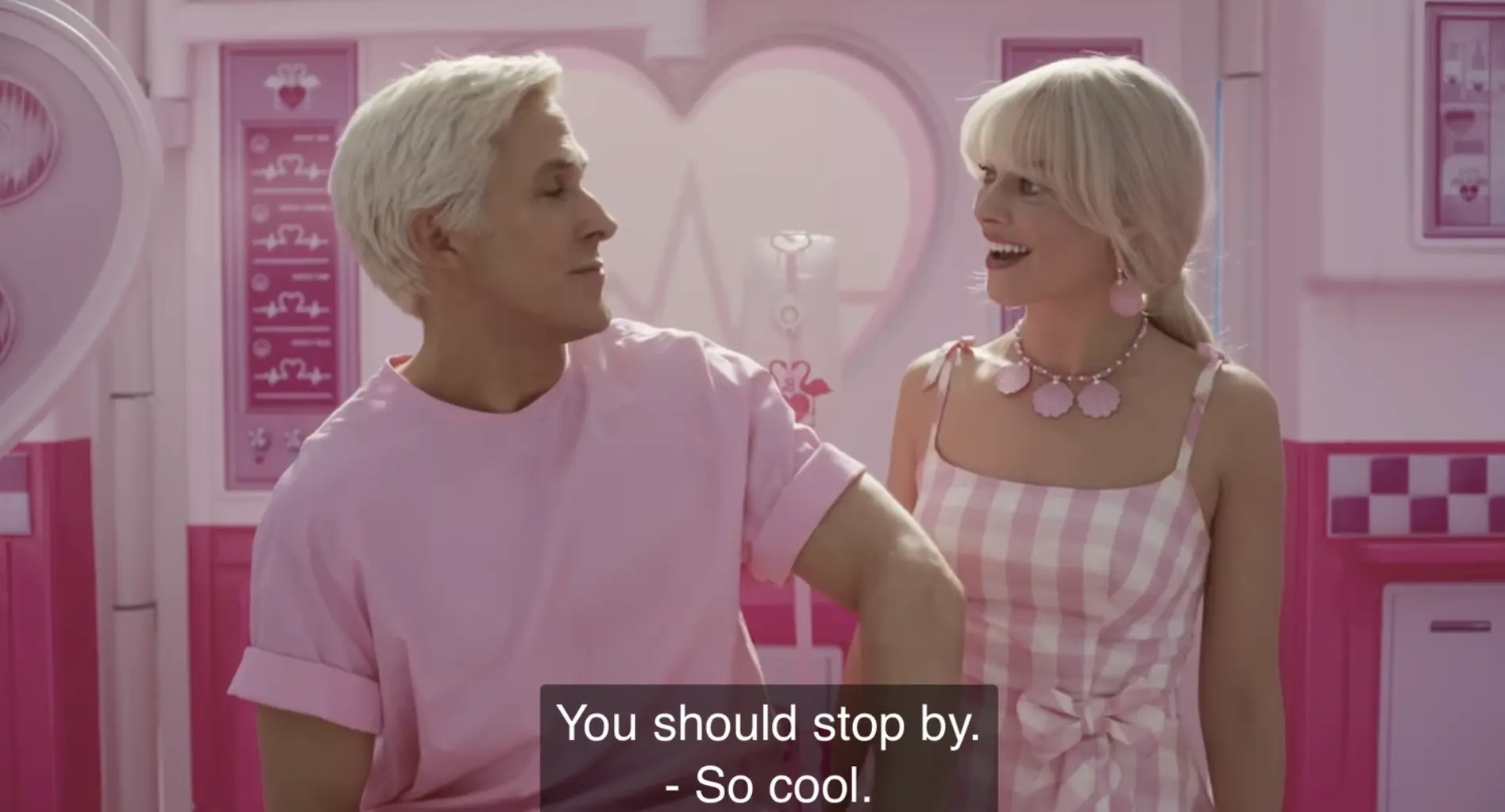
2. What Does "CC" Mean?
CC stands for Closed Caption.
The word "closed" means the captions are not always visible to everyone. Viewers can choose to turn them on or off. That is why YouTube uses a CC button.
The opposite is OC, or Open Caption. Open captions are always visible because they are built into the video itself. Viewers cannot turn them off.
So in terms of format:
| Term | Meaning |
|---|---|
| Closed Captions / CC | Captions that viewers can turn on or off |
| Open Captions / OC | Captions that are always visible and cannot be turned off |
In everyday English, people do not always strictly separate "subtitles" and "closed captions." But when people do make the distinction, especially in the United States, closed captions usually refer to captions made for deaf and hard-of-hearing viewers, while subtitles usually refer to text for viewers who can hear but need help with the spoken words or language.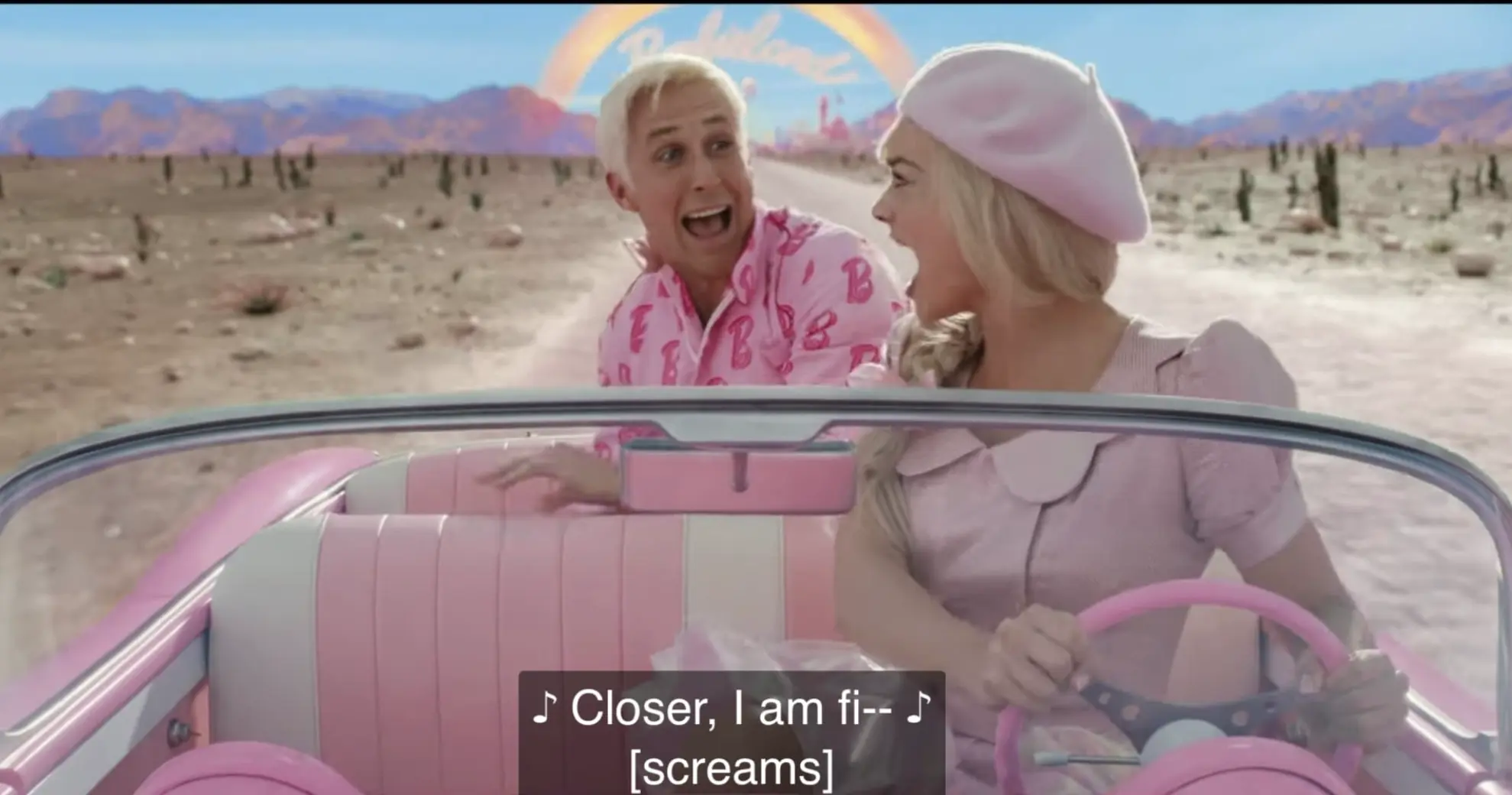
This distinction is more common in the US. In the UK, people are more likely to use "subtitles" as a broader term.
The key difference is this:
Regular subtitles assume you can hear the audio. Closed captions assume you may not be able to hear it.
3. Quick Comparison: Regular Subtitles vs Closed Captions
| Feature | Regular Subtitles | Closed Captions / CC / SDH |
|---|---|---|
| Origin | Developed from silent-film text cards and later dialogue text | "Closed Caption" means captions that can be hidden or turned on/off |
| Main audience | Viewers who can hear | Deaf and hard-of-hearing viewers, plus viewers watching without sound |
| Content | Mostly dialogue, sometimes translation or explanation | Dialogue, speaker labels, environmental sounds, music, tone, and sound effects |
| Audio information | Mainly tells you what people say | Turns useful sound information into text |
| On/off control | Often optional, depending on platform | "Closed" means viewers can choose to turn it on or off; OC is always visible |
| Design standards | Mainly needs to be readable | Requires careful timing, spacing, font, size, color, placement, and duration |
| Common use cases | Foreign-language films, clear audio environments | Accessible TV, streaming platforms, YouTube, noisy places, silent viewing |
| Regional usage | Widely used term | More strictly separated from subtitles in the US; less strictly in the UK |
One sentence summary:
Subtitles tell you what was said. Closed captions and SDH try to tell you what happened.
4. What Is SDH?
You may also see the term SDH, which stands for Subtitles for the Deaf and Hard of Hearing.
The name may sound technical, but the idea is straightforward. SDH Subtitle is a type of subtitle or caption designed specifically around how deaf and hard-of-hearing viewers receive information.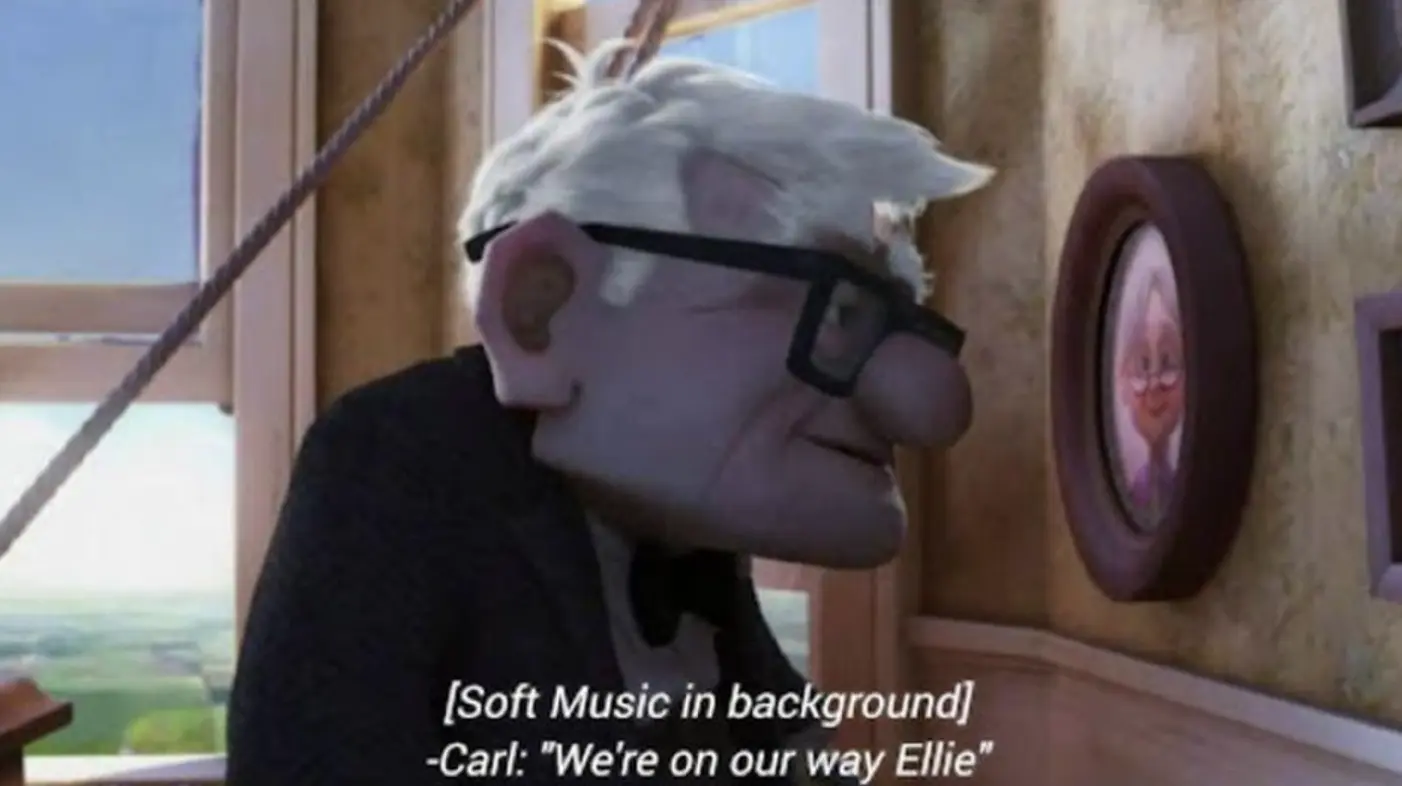
Many videos today already turn dialogue and voice-over into on-screen text. That helps hearing viewers follow the content more accurately, and it can also help deaf and hard-of-hearing viewers. But regular subtitles are not always designed from the start around the needs of deaf viewers.
SDH is different. It is created specifically to help deaf and hard-of-hearing viewers understand audiovisual content.
In simple terms, SDH turns information that normally reaches the audience through sound into visual information, usually text.
SDH became more developed as disability rights and accessibility work grew, especially from the 1980s onward. Today, many European and American films, TV shows, and streaming titles include SDH, often in the form of closed captions. Some content may also include open captions.
If CC is the broader idea of captions that can be turned on or off, SDH is the more accessibility-focused form. It does not just write down dialogue. It tries to communicate who is speaking, how they are speaking, what sounds are happening, and what those sounds mean for the scene.
5. How Closed Captions and SDH Are Presented Differently
Closed captions and SDH are designed for viewers who may not hear the audio clearly. For them, captions are often the main way to follow the video, not just a helpful extra.
That is why captions need to be easy to read, well timed, and connected to what is happening on screen. Font, size, spacing, color, position, and display time all affect how comfortable captions are to read.
Unlike regular subtitles, closed captions and SDH may also include extra information, such as speaker labels, sound effects, music cues, or language changes:
[Bill] I'm tired.
[door slams]
[Russian] Welcome home.
They may also appear in different positions on the screen to show where a sound is coming from. For example, if an announcement comes from a loudspeaker, the caption may appear near the loudspeaker instead of at the bottom.
The difference is this:
Regular subtitles mainly need to be readable. Closed captions and SDH need to be readable, timed well, visually clear, and connected to what is happening on screen.
6. How Closed Captions and SDH Express Sound Differently
The biggest difference between SDH and regular subtitles is content.
Regular subtitles usually focus on spoken dialogue. SDH needs to turn all sound information that helps the viewer understand the scene into text.
Sound in video can include:
- Human voices, such as dialogue, narration, and voice-over
- Music
- Natural sounds, such as wind or rain
- Sound effects, such as a heartbeat, a phone ringing, or footsteps
- Background atmosphere, such as a busy street or a battlefield
Off-Screen Voices
When a voice comes from off-screen, SDH may mark it clearly. For example:
[off-screen] Come here!
Some caption styles may use symbols such as > to show that the line is coming from outside the frame.
Regular subtitles usually do not mark sound sources unless the context would be confusing.
Emotion and Tone
Emotion is another major challenge.
A hearing viewer can often tell from the voice whether someone is angry, excited, disappointed, scared, or happy. A deaf or hard-of-hearing viewer may miss that information unless the caption includes it.
That is why SDH may use short emotion labels, such as:
[happily] I got it!
[angrily] Stop it.
[whispering] Don't move.
Some captions may also use simple visual cues or symbols to show emotion.
But this approach has limits. Captions only stay on screen for a short time, and there is only so much text a viewer can read comfortably. Because of that, captions cannot always fully capture the emotional richness of a voice. This is sometimes described as an emotional gap between hearing viewers and deaf or hard-of-hearing viewers.
Environmental Sounds
Sound is everywhere in real life, and it plays a huge role in video.
Think about wind and thunder on a rainy night, gunfire in a battle scene, or the noisy background of a crowded street. These sounds create atmosphere, tension, and meaning.
SDH often describes these sounds with short labels, such as:
[thunder]
[wind blowing]
[phone ringing]
[keyboard typing]
[crowd noise]
Some captioning systems may use symbols or formatting to show that a caption is describing non-speech sound rather than dialogue.
Regular subtitles usually do not include this kind of environmental sound unless it is essential to the story.
Music and Lyrics
Music is also an important part of audiovisual content. It can tell the viewer whether a scene is light, sad, tense, romantic, or dramatic.
SDH may show music in several ways. It may use a music cue, or it may describe the type of music:
[jazz music]
[pop music]
[dramatic music]
[soft piano music]
If the lyrics matter, SDH may transcribe the lyrics as well.
Regular subtitles usually do not describe background music unless the music directly affects the meaning of the scene.
Spoken Language vs Written Language
There is another issue that is easy for hearing viewers to overlook: spoken language and written language are not the same.
Everyday speech includes slang, dialect, filler words, incomplete sentences, and informal expressions. Some dialect words may not even have a clear written form, or the written form may be uncommon.
For some deaf viewers, especially people who grew up using sign language or written language more than spoken speech, directly transcribing casual spoken language may make the caption harder to understand.
Because of this, some SDH approaches turn spoken language into a more written, readable form. But that creates new questions:
- How much of the original speaker's style should be preserved?
- When does a phrase count as too spoken or too informal?
- How can captions stay accurate without becoming hard to read?
These are still active questions in SDH and accessibility captioning.
7. Summary: Two Types of Text, Two Different Audiences
After comparing subtitles, CC, and SDH, the difference becomes much clearer.
| Question | Regular Subtitles | Closed Captions / SDH |
|---|---|---|
| Core question | "What did they say?" | "What happened?" |
| Main audience | Viewers who can hear | Deaf and hard-of-hearing viewers, plus viewers watching without sound |
| Content range | Mostly dialogue | Dialogue, sound, emotion, music, environment, and speaker information |
| Design focus | Basic readability | Visual clarity, timing, placement, and accessibility |
| Typical use | Foreign-language content, dialogue support | Accessible media, streaming, YouTube, silent viewing |
8. Final Thoughts
By now, it should be clear that the little CC button on YouTube is more than a translation tool. It helps make videos more accessible and easier to follow.
Subtitles mainly show what is said. Closed captions and SDH add the extra context viewers may need, including sounds, music, speaker changes, and other audio cues.
In the end, choosing the right format is about making video content easier for more people to understand. And if you ever need to reuse subtitles for editing, translation, or study, saving YouTube subtitles in formats like SRT, VTT, TXT, or PDF can make the process easier.