Meeting and interview recordings
Upload calls, interviews, and discussions to create searchable notes and action items.

Audio and video to text
Upload recordings, meetings, podcasts, courses, interviews, or videos and turn them into editable transcripts, subtitles, summaries, translations, and exports.
From media to usable text
Upload audio or video and turn hard-to-search media into text you can edit, summarize, translate, and export.
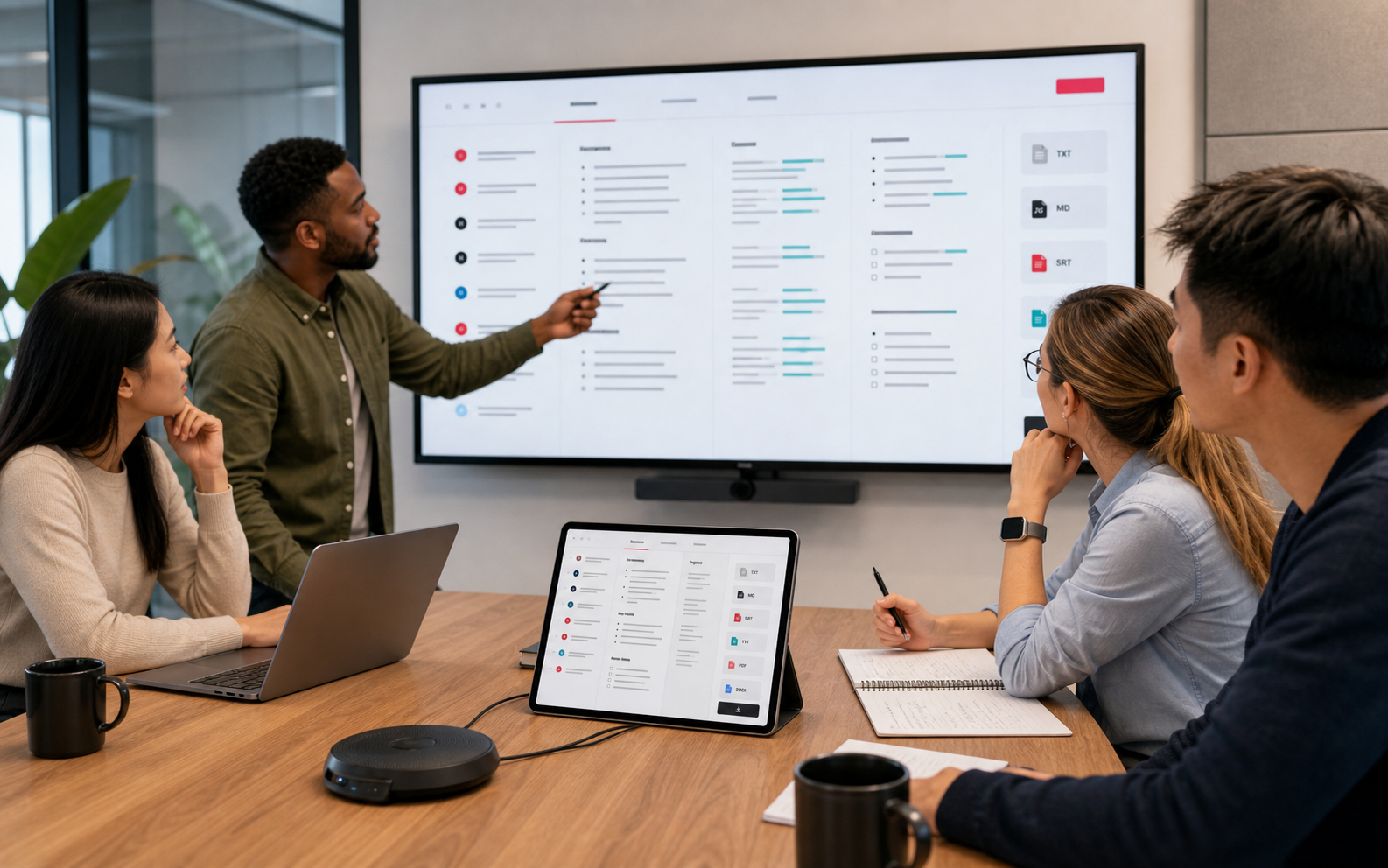
Upload calls, interviews, and discussions to create searchable notes and action items.
Turn MP4, MOV, WebM, and similar videos into timestamped text before exporting captions.
Use automatic language detection or choose a language, then enable speaker detection when your plan supports it.
No. Choose files first, confirm language and speaker settings, then start the task.
Common audio and video formats are supported, including MP3, WAV, M4A, MP4, MOV, and WebM.
Yes. Once the upload is complete and the task is created, transcription continues in the background and the result is saved to your workspace.
Yes. Upload recordings from Zoom, Teams, Google Meet, interviews, classes, or voice notes, then review the timestamped transcript before exporting.
Yes. Uploaded videos can become timestamped transcript segments that you can edit and export as SRT or VTT subtitle files.
Use timestamps to compare uncertain passages with the source media, correct names or technical terms, and adjust speaker labels when needed.