
Subtitle generator
Subtitle generator for videos, podcasts, and public links
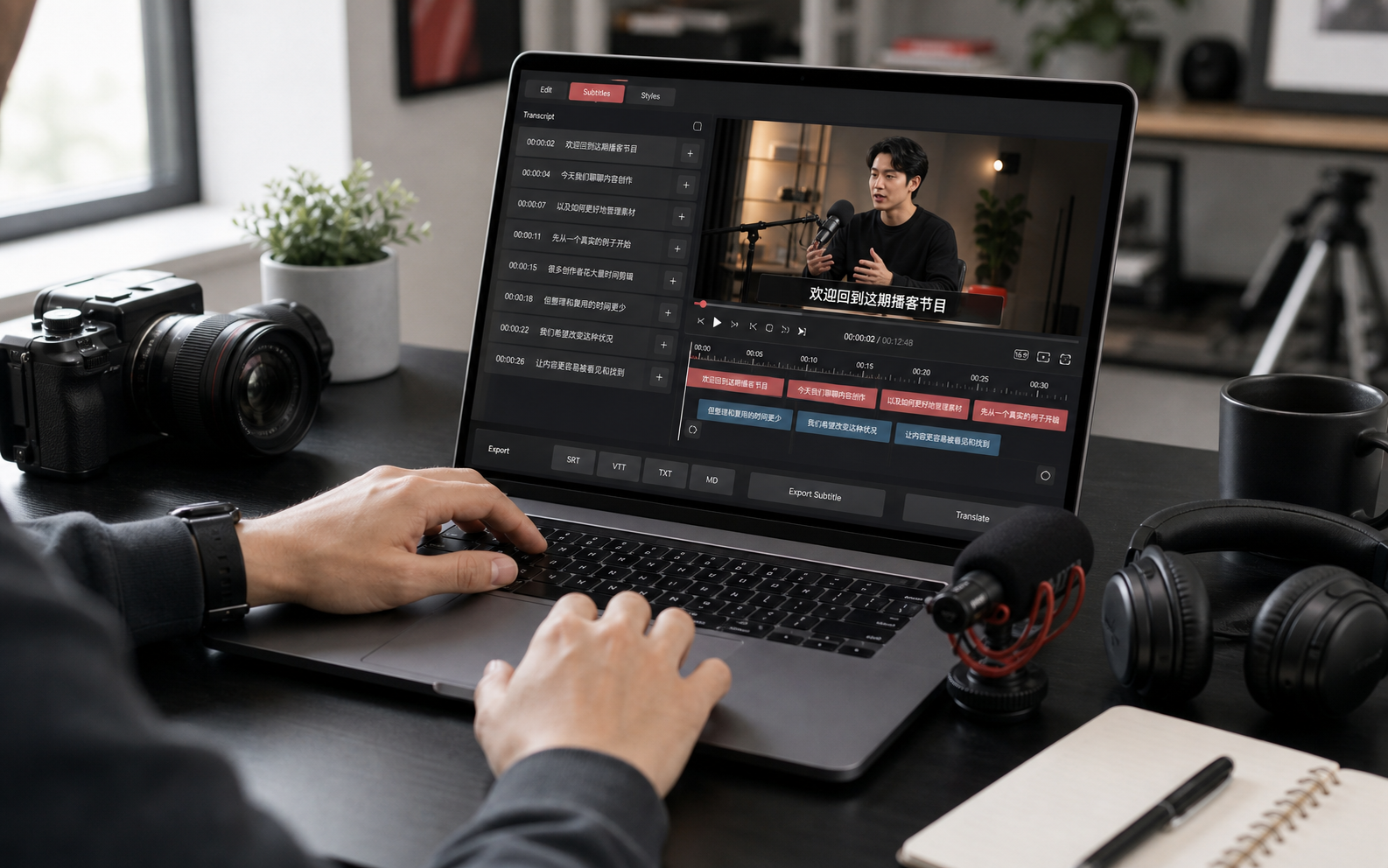
Create timestamped subtitle segments from videos, audio files, or public links. Review the transcript, edit captions, export SRT or VTT, and create translations when needed.
Use cases
Where this workflow helps
Short-form captions
Generate subtitle drafts for talking-head videos, tutorials, interviews, and clips.
Course captions
Create searchable captions for long lessons and lecture videos.
Multilingual content
Create original captions first, then translate them for broader distribution.
How it works
From source media to reusable text
Search visitors need to know what happens after the first click. This workflow keeps the path clear from import to transcript to export.
Import media
Upload a video or audio file, or paste a public media link to create a transcript task.
Review caption segments
Use the media player and transcript segments together to check text and timing.
Export subtitle files
Download SRT, VTT, TXT, or Markdown for editing, publishing, and accessibility workflows.
FAQ
Questions people ask before starting
What is the difference between transcription and subtitles?
A transcript focuses on readable text. Subtitle generation keeps timestamped segments so you can export SRT or VTT caption files.
Can I create translated subtitles?
Yes. Generate the original transcript first, then create a translation and export the result for caption workflows.
Can subtitle timing be edited?
Yes. Transcript details support reviewing and editing segment text, speaker labels, and timestamps.