Public video transcripts
Paste public links from supported platforms and create transcript tasks without downloading the media first.

Link transcription
Use a public YouTube, TikTok, podcast, or social media link to create an editable transcript with timestamps, summaries, translations, and exports.
From link to transcript
Paste a public video, podcast, or social link and keep it in the same transcript, summary, translation, and export workflow.
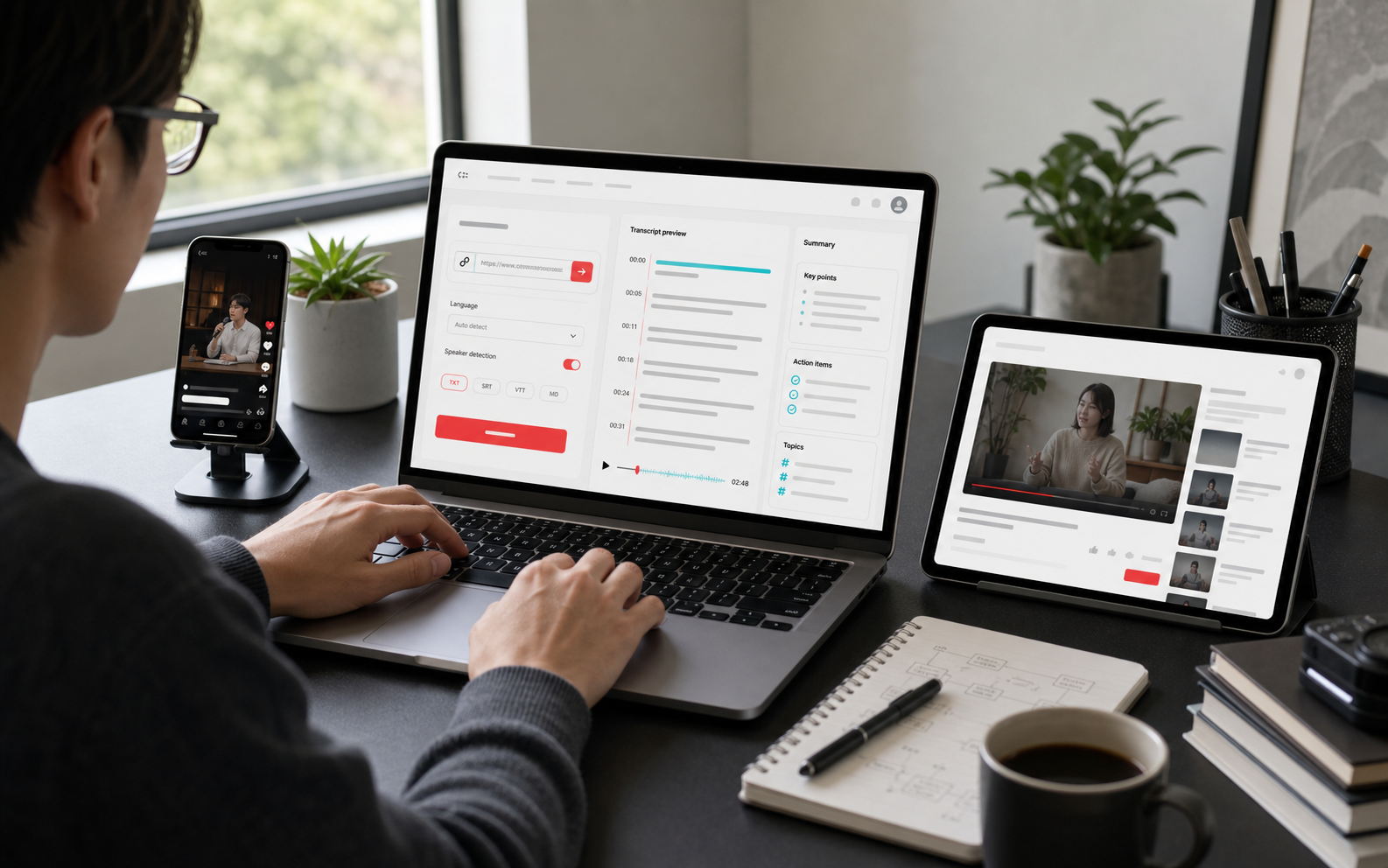
Paste public links from supported platforms and create transcript tasks without downloading the media first.
02
Turn long audio or video into searchable transcript segments before summarizing, translating, or exporting.
03
Use this route when the source is public and you want to move directly into transcription.
Common public video, podcast, and social media links can be used. Private, protected, or login-only content may not process.
Yes. Use automatic detection or choose a supported language when you know what is being spoken.
Yes. After the task is created, processing continues in the background and the transcript appears in your recent transcription list when it is ready.
Public podcast episode links can be tried when the platform exposes playable media. If the source is restricted, upload the audio file instead.
Yes. When the transcript has timestamped segments, you can review the text and export subtitle formats such as SRT or VTT.
A platform may block access, require login, hide the media source, or change its page structure. In those cases, upload the original file when you have it.