
YouTube transcript
YouTube transcripts for public videos you want to study or reuse
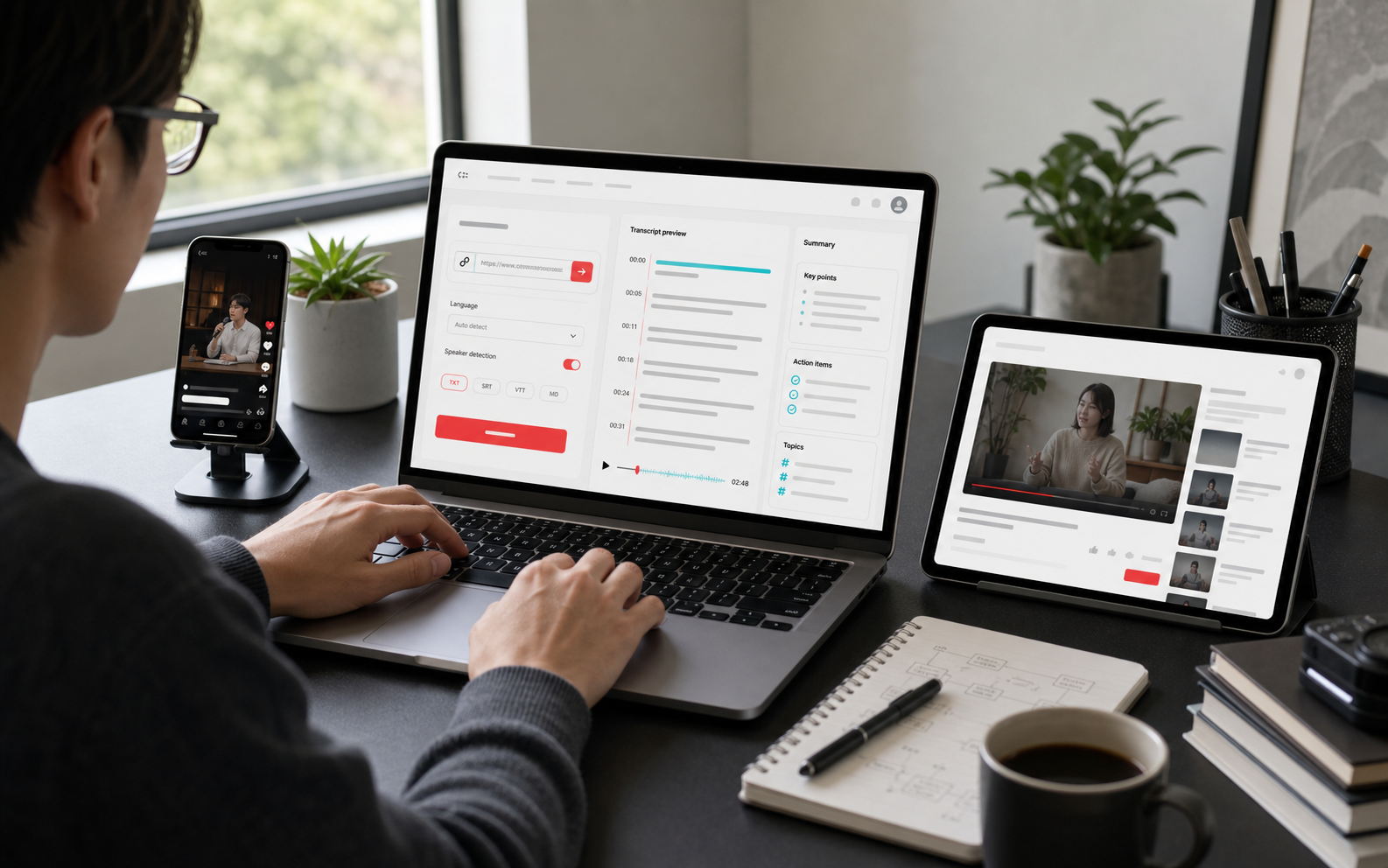
Paste a public YouTube video link and create an editable transcript for classes, interviews, tutorials, podcast videos, research notes, summaries, translations, and captions.
Use cases
Where this workflow helps
Public course notes
Turn long lessons into searchable text for review, citations, and study summaries.
Interview research
Extract useful ideas from public interviews and podcast videos before summarizing or quoting.
Caption review
Create a subtitle draft, then review and edit segments before exporting.
How it works
From source media to reusable text
Search visitors need to know what happens after the first click. This workflow keeps the path clear from import to transcript to export.
Paste a public link
Copy a public YouTube URL and choose a language or use automatic detection.
Create a transcript
Use public captions when available or process the media into editable transcript segments.
Turn it into notes or subtitles
Summarize, translate, edit timestamps, and export captions or text files.
FAQ
Questions people ask before starting
Do I need to download the YouTube video first?
No. Paste a public link and create a transcript task directly. Public captions may be used first when they are available.
Can private or login-protected videos be processed?
Not reliably. EasyScribe is for public content that you have the right to process. Private, protected, or login-only videos may fail.
Can I translate a YouTube transcript?
Yes. After the transcript is ready, you can create a translation and review the original and translated versions.