
AI transcription guide · 6 min read
Too Many Recordings, No Time to Review: How AI Helps
Learn how AI transcription turns overloaded meeting, interview, lecture, webinar, and podcast recordings into searchable notes, summaries, and reusable content.
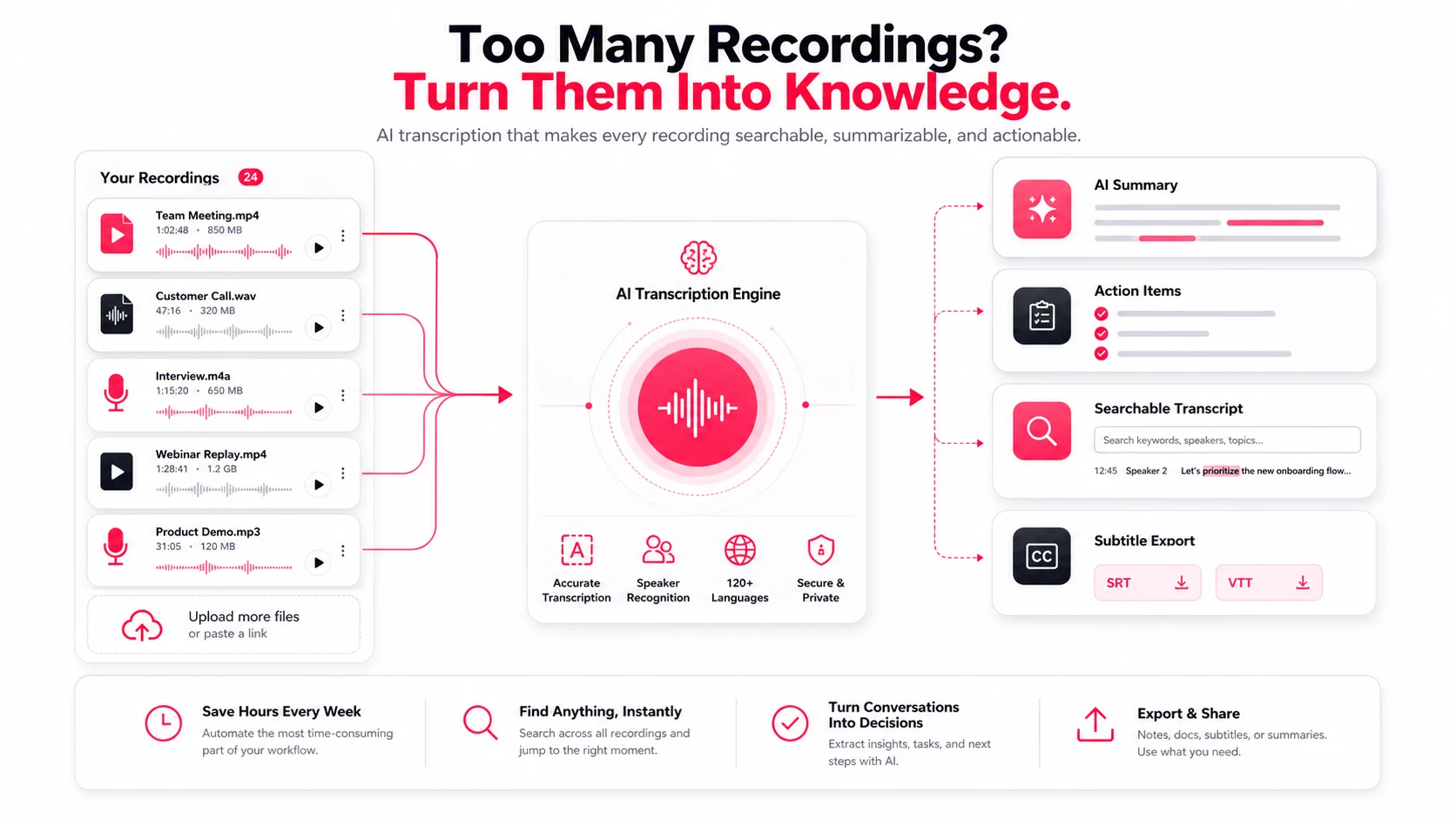
The problem is not that teams record too much. The problem is that recordings often stay trapped as audio or video.
A one-hour call may contain decisions, objections, customer language, product feedback, training notes, and follow-up tasks. If nobody has time to replay it, that value disappears.
Why recordings pile up
People record meetings and interviews because they do not want to miss anything. Later, they need answers rather than another replay:
- What was decided?
- Who owns the next step?
- What did the customer say?
- Where is the quote we need?
- Can this become a report, article, or subtitle file?
What AI can do after the recording
| Need | Manual workflow | AI-assisted workflow |
|---|---|---|
| Find a quote | Replay the timeline | Search the transcript |
| Write meeting notes | Type from memory | Start from a summary |
| Share a recap | Rewatch and rewrite | Export transcript and notes |
| Create captions | Time every line | Generate SRT or VTT |
| Review interviews | Read raw notes | Filter by speaker and keyword |
Use summaries before reading everything
Start with a summary, then open only the transcript sections that matter. Timestamps keep every important statement connected to the source recording.
Turn one recording into multiple outputs
One recording can become meeting notes, action items, customer quotes, a blog outline, subtitle files, a translated transcript, and a searchable archive.
EasyScribe keeps those outputs in one workspace, so teams can move from recording to usable information without replaying the whole file.